Adding a habit takes seconds
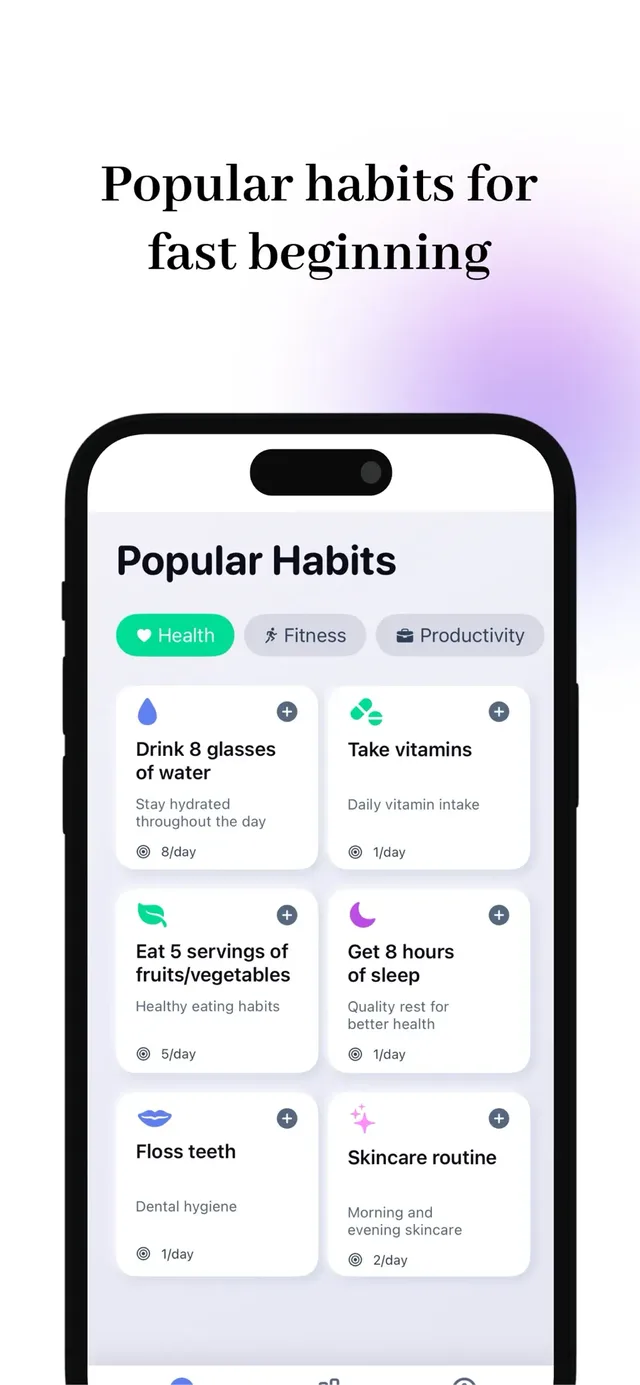
Start from 50+ templates or build your own, set your rhythm — daily, weekly or custom days — and swipe to complete.
Productivity · iPhone, iPad, Apple Watch
Build habits that stick. Pay once, own it forever — no subscription, no ads.
Features
Start from 50+ templates or build your own, set your rhythm — daily, weekly or custom days — and swipe to complete.
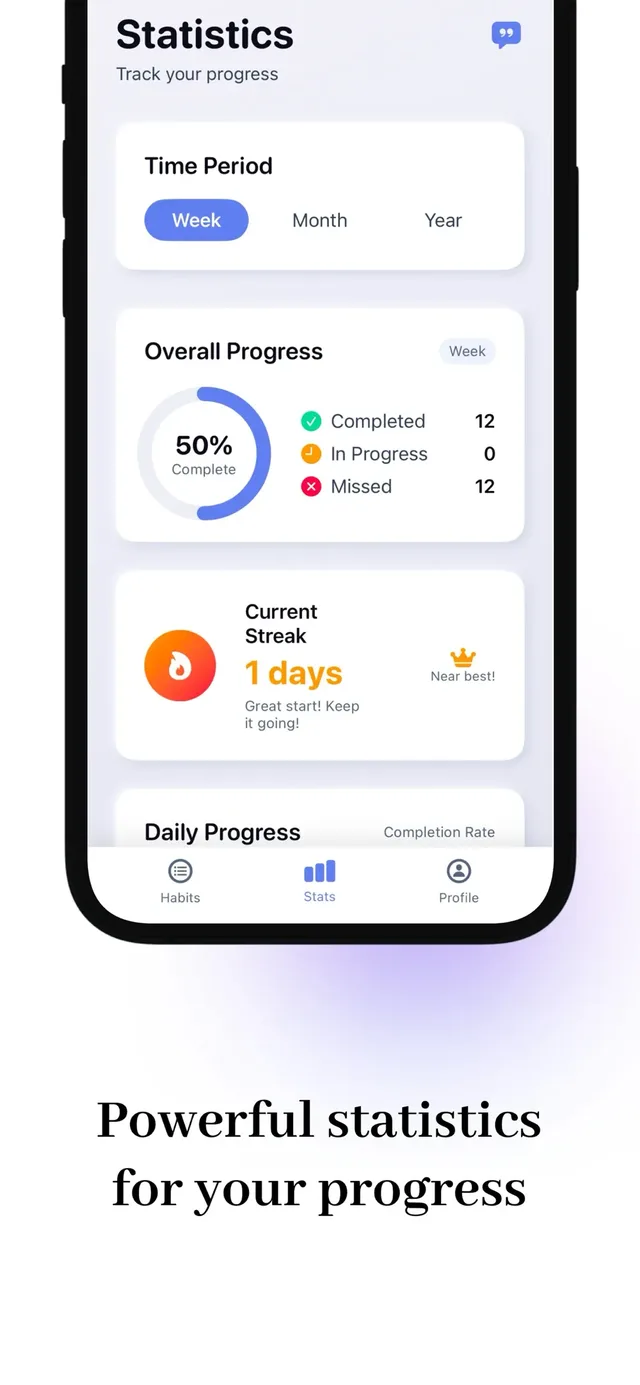
Streaks, completion rates and week-over-week trends: not just numbers, but a picture of who you are becoming.
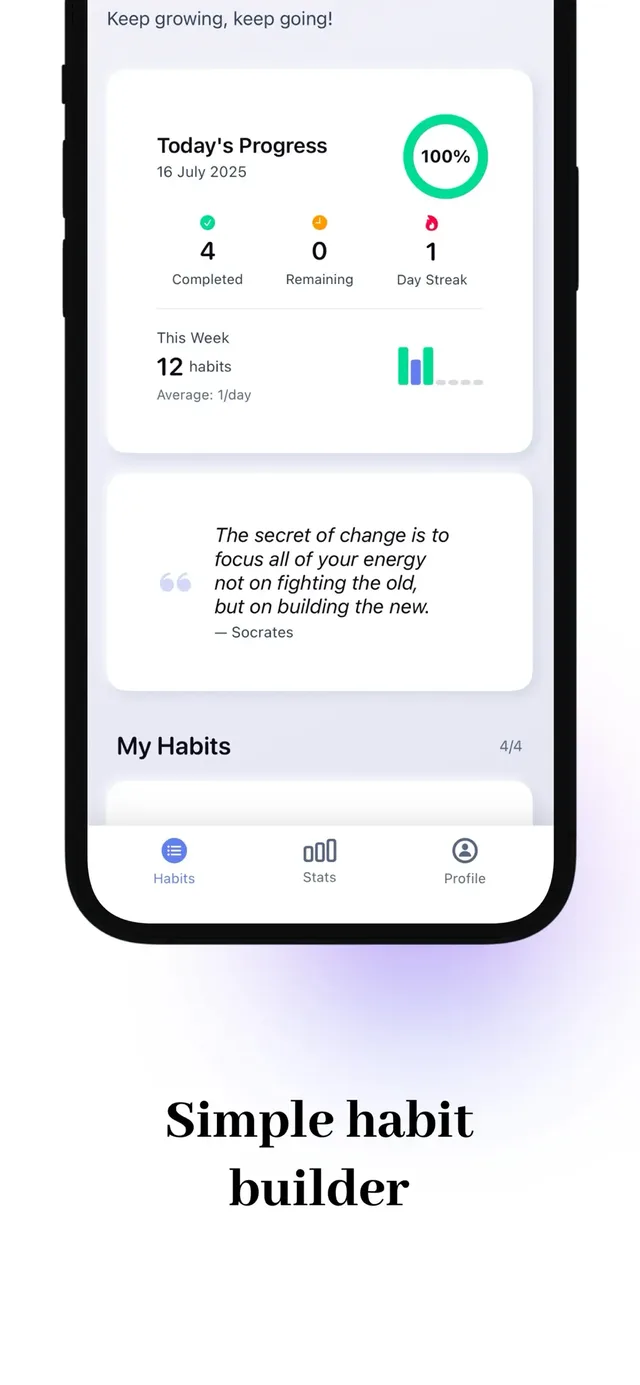
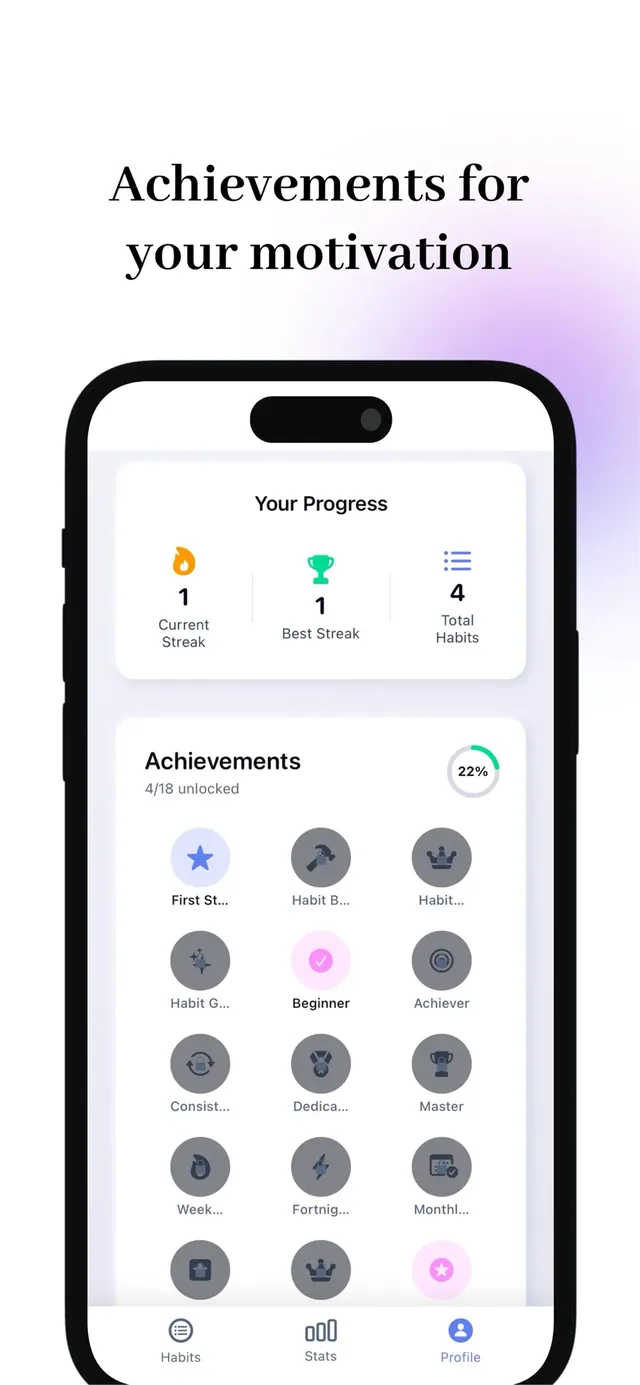
Rewards for streaks, milestones and plain consistency — recognition for showing up, especially on the hard days.
Everything lives in your iCloud and syncs across your devices. Zero third-party servers, zero surprises.
Support
The app is built and supported by one person, who answers their own email. Write to me@polautsau.com and you will get a real reply.
No. The app is free for up to three habits, and a single one-time purchase unlocks unlimited habits, advanced analytics, data export and iCloud backup. Pay once, own it forever.
In your own iCloud, synced across your devices. There are no third-party servers involved.
Yes. The Watch app shows today's habits at a glance and you can complete them without your phone.
Open the unlock screen in the app and tap Restore Purchases; Apple verifies your account and everything unlocks.